What Makes a High-Quality AI Image? A Complete Buyer’s Guid
A high-quality AI image accurately represents your idea, looks visually appealing, and serves its intended purpose without requiring excessive editing. It should communicate the right message while maintaining clear details, balanced composition, and appropriate visual style.
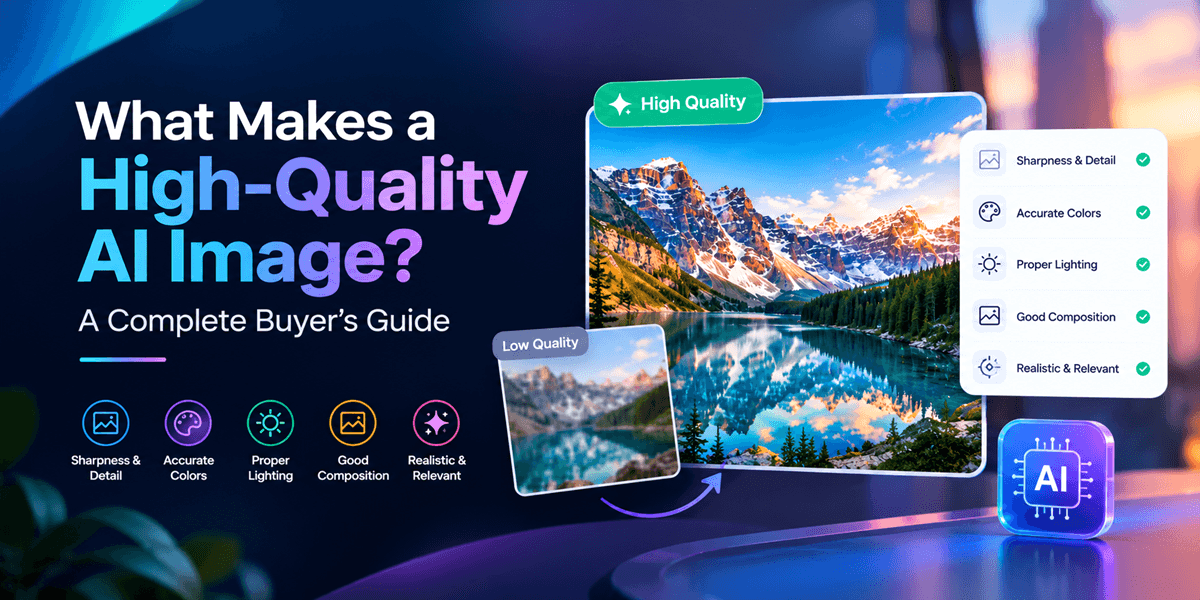
Choosing an AI image generator is easy. Finding one that consistently creates professional, realistic, and usable images is the real challenge. While many tools can turn a text prompt into a picture, not every result is suitable for a marketing campaign, product page, social media post, or website banner.
So, what makes a high-quality AI image? It comes down to more than resolution or visual appeal. Accuracy, composition, realism, consistency, and suitability for your intended purpose all matter.
In this buyer’s guide, you will learn how to evaluate AI-generated images, which features to prioritize when choosing an AI image generator, and how to create visuals that meet professional standards.
What Is a High-Quality AI Image?
A high-quality AI image accurately represents your idea, looks visually appealing, and serves its intended purpose without requiring excessive editing. It should communicate the right message while maintaining clear details, balanced composition, and appropriate visual style.
For businesses, quality also means usability. A beautiful image that distorts a product or contains unreadable text may not be suitable for a commercial campaign.
The best AI-generated images combine visual quality with practical value.
7 Factors That Define a High-Quality AI Image
1. Sharpness, Resolution, and Fine Details
Image clarity is one of the first things people notice. High-quality AI images should have defined edges, visible textures, and sufficient resolution for their intended placement.
Look closely at facial features, hair, fabric, product surfaces, and background elements. Blurry details, strange textures, or distorted objects can make an image appear artificial.
Buyer tip: Check the final image at its intended display size. A picture that looks impressive as a thumbnail may reveal flaws when enlarged.
2. Realism and Natural Lighting
Photorealistic AI images should resemble believable photographs when realism is the goal. Lighting, shadows, reflections, and perspective must work together naturally.
For example, a product image featuring a glass bottle should have convincing reflections and shadows. A portrait should have natural skin texture rather than an overly smooth, plastic appearance.
However, realism is not essential for every project. Illustrations, fantasy artwork, and animated characters can be high-quality images when their styles are intentional and consistent.
3. Accurate Prompt Interpretation
A powerful AI image generator should understand your instructions and translate them into the intended visual result.
If your prompt describes a red sports car on a rainy city street at night, the output should preserve those essential details. Incorrect objects, missing subjects, or unexpected backgrounds reduce the image's usefulness.
The more accurately a tool follows your prompt, the less time you spend regenerating images.
Try this prompt-writing formula: Subject + Setting + Composition + Lighting + Style + Important Details.
This structure gives an AI image generator clearer direction and helps you evaluate whether the output matches your expectations.
4. Balanced Composition and Visual Hierarchy
A good image guides the viewer's attention naturally. The main subject should be easy to identify, while supporting elements add context without creating clutter.
Composition matters especially for advertisements, website headers, and social media graphics. A crowded layout can distract viewers from your product or message.
When generating marketing visuals, specify the subject's position, camera angle, background, and available negative space. For example, request a product positioned on the right with clean space on the left for advertising copy.
5. Anatomical and Structural Accuracy
AI-generated images can still contain visual mistakes, including extra fingers, distorted hands, asymmetrical faces, duplicated objects, or inconsistent product features.
These issues may be subtle at first but become obvious when viewers inspect the image closely.
Before using an image professionally, check hands, eyes, reflections, object edges, jewelry, logos, and small text. Product images deserve particular attention because inaccurate details can misrepresent what customers are buying.
A quick quality check can prevent an otherwise attractive image from undermining your brand's credibility.
6. Style Consistency and Brand Alignment
Businesses rarely need just one image. They need a collection of visuals that work together across websites, advertisements, email campaigns, and social media.
A high-quality AI image workflow should help you maintain consistent colors, lighting, backgrounds, and visual styles.
Reference images can be particularly useful when you want to preserve a product's appearance or follow an established creative direction. Tools such as GenImager support text-to-image creation and reference-based image editing, helping you work from an idea or an existing visual.
7. Format, Usability, and Editing Flexibility
Visual quality alone does not guarantee that an image is ready to publish. Consider where the image will appear and whether it meets your technical requirements.
Evaluate these factors before choosing an AI image generator:
Resolution: Is the image clear enough for your intended use?
Aspect ratio: Does the composition fit your website, advertisement, or social platform?
File format: Can you download a format compatible with your workflow?
Editability: Can you refine the image or work from reference images?
Commercial suitability: Do the tool's terms allow your intended use?
Always verify the available export options, usage rights, and editing capabilities before committing to a tool.
How to Choose the Best AI Image Generator: A Buyer’s Checklist
Not sure which tool is right for you? Use this checklist to compare your options.
Evaluation criterion | What to look for |
Image quality | Clear details and convincing textures |
Prompt accuracy | Output that matches your instructions |
Visual consistency | Repeatable styles and reference-based workflows |
Ease of use | A straightforward creation and review process |
Editing options | Ability to refine results without starting over |
Workflow fit | Suitable formats and practical export options |
Value | Useful results relative to time and cost |
Do not select a tool based on a single impressive sample. Test it with several prompts relevant to your real work, including a product scene, a lifestyle image, and a creative concept.
Compare the results for accuracy, consistency, editing effort, and overall usability.
How to Create Better AI Images with Better Prompts
Even a capable AI image generator needs clear instructions. Instead of writing a vague prompt such as "create a beautiful product photo," describe the visual outcome you want.
Example prompt:
"A premium black skincare bottle on a light beige stone surface, soft natural window lighting, realistic glass reflections, minimalist luxury photography, sharp product details, uncluttered background, and generous negative space."
This prompt communicates the subject, setting, lighting, style, and composition.
After generating the image, review the output carefully. Change one or two prompt details at a time, such as lighting direction or background color. This makes it easier to identify which instructions improve the result.
For reference-based editing, clearly state what should change and what must remain unchanged. For example, request a new background while preserving the product shape, label, and original color.
Conclusion: Create Better AI Images with GenImager
A high-quality AI image is not simply one that looks attractive. It should communicate your idea accurately, maintain visual consistency, preserve important details, and fit your intended use.
By evaluating image clarity, realism, prompt accuracy, composition, and editing flexibility, you can choose an AI image generator with greater confidence and avoid wasting time on unusable results.
Ready to turn your ideas into compelling visuals? Explore GenImager’s AI Image Generator, create images from text prompts or reference images, and refine your results until they fit your creative vision.
Start creating with GenImager today and discover a smarter way to bring your ideas to life.
Frequently Asked Questions
1. What is the most important factor in AI image quality?
It depends on the intended use. Prompt accuracy and product fidelity are critical for commercial visuals, while composition, atmosphere, and artistic consistency may matter more for creative projects.
2. Can AI-generated images be used for business marketing?
Yes, AI-generated images can support marketing when they meet your quality requirements and comply with applicable laws, platform policies, and the generator's usage terms. Review outputs carefully before publishing.
3. How can I make AI-generated images look more realistic?
Use specific prompts describing natural lighting, realistic materials, camera perspective, and fine details. Inspect the result for distortions and refine the prompt when necessary.