How SaaS Companies Use AI Visuals to Improve Landing Page Conversions
Your SaaS landing page may have a great product, compelling copy, and competitive pricing. But if visitors cannot quickly understand your value, they may leave without signing up. In today's competitive SaaS market, visual content plays a crucial role in capturing attention, explaining complex features, and building customer trust. This is where AI visuals for SaaS landing pages can make a difference.
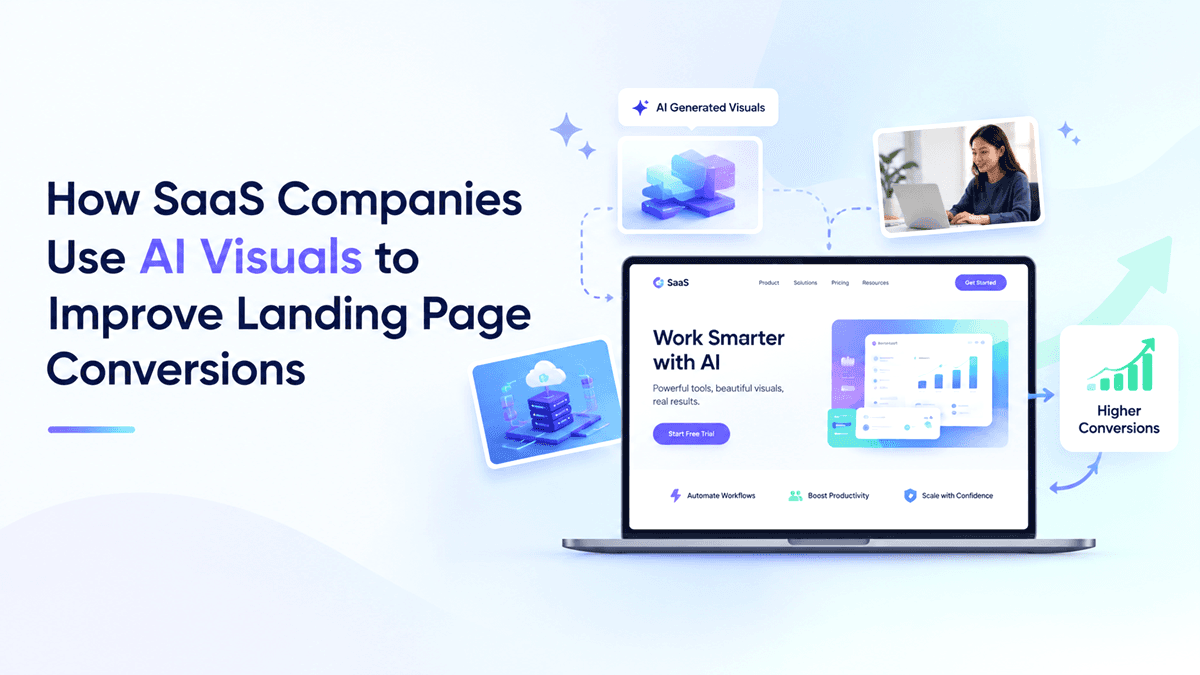
Your SaaS landing page may have a great product, compelling copy, and competitive pricing. But if visitors cannot quickly understand your value, they may leave without signing up.
In today's competitive SaaS market, visual content plays a crucial role in capturing attention, explaining complex features, and building customer trust. This is where AI visuals for SaaS landing pages can make a difference.
AI image generation enables marketing teams to create custom graphics, product concepts, campaign creatives, and audience-specific visuals without relying entirely on lengthy design workflows.
But creating attractive images is only the beginning. The real opportunity lies in using visuals strategically to guide visitors toward a specific action.
Let's explore how SaaS companies can use AI-generated visuals to improve landing page experiences and support better conversion rates.
Why Visual Content Matters for SaaS Conversions
Unlike physical products, SaaS solutions can be difficult to explain through text alone. Visitors often need to understand how a platform works, what problems it solves, and why it deserves their attention.
Strategic visuals help bridge this gap.
For example, a project management platform can use a workflow illustration to demonstrate how teams organize tasks. An analytics platform can showcase a dashboard concept to communicate reporting capabilities.
Effective visuals can help SaaS companies:
Communicate product benefits quickly.
Make complex features easier to understand.
Create a consistent brand experience.
Build confidence before visitors request a demo.
Support landing page conversion rate optimization.
The goal is not to decorate a page. It is to make the product's value easier to understand.
5 Ways SaaS Companies Use AI Visuals to Improve Landing Page Conversions
1. Create Attention-Grabbing Hero Section Visuals
The hero section is often the first major opportunity to communicate your product's value. Generic stock photography or unrelated illustrations may fail to explain what makes your software different.
With AI-generated visuals, SaaS marketers can create custom hero graphics that reflect their product, audience, and messaging.
Consider a customer support platform. Instead of using a generic office photograph, the company could create a visual representing an organized support dashboard, connected customer conversations, and automated workflows.
Conversion tip: Pair your hero visual with a benefit-focused headline and one prominent call to action. The image should reinforce the promise, not compete with the message.
Use an AI image generator for marketing to explore multiple concepts before selecting the visual that best communicates your value proposition.
2. Turn Complex Features into Easy-to-Understand Visuals
SaaS products frequently include features that require explanation. Long paragraphs can make landing pages harder to scan, particularly for first-time visitors.
AI visuals can help marketers develop supporting illustrations, workflow diagrams, and conceptual graphics that make product benefits more accessible.
For example, an automation platform might use a three-step visual:
Connect your applications.
Automate repetitive tasks.
Track results from one dashboard.
This approach gives visitors a clearer picture of the product experience.
However, AI-generated concepts should not be presented as actual product functionality. Use authentic screenshots or verified product captures when demonstrating real interface features.
Try this: Identify the three features prospects ask about most often. Create one supporting visual for each and evaluate whether visitors understand the benefits more easily.
3. Personalize Visuals for Different Target Audiences
Not every SaaS visitor has the same needs. A marketing agency, an enterprise team, and a startup founder may evaluate the same software differently.
AI-powered visual creation helps teams explore audience-specific creative variations without producing every concept from scratch.
For example, a CRM company could develop different landing page visuals for:
Startups: A simple pipeline illustrating faster lead management.
Sales teams: A visual showing organized opportunities and follow-ups.
Enterprise teams: A conceptual view of connected departments and reporting.
Each visual supports a different customer priority while maintaining a consistent brand identity.
This approach can strengthen SaaS landing page optimization by aligning the page experience with visitor intent.
Remember to test audience-specific messaging and visuals rather than assuming personalization will automatically improve conversions.
4. Run A/B Tests with Multiple AI Visual Variations
A visual that looks impressive to your marketing team might not be the most effective option for your audience.
Conversion rate optimization relies on testing actual user behavior instead of making decisions based solely on design preferences.
AI image generation makes it easier to develop alternative creative concepts for controlled experiments.
For example, test these hero visuals:
Version A: A clean product-focused illustration.
Version B: A visual showing the problem your software solves.
Version C: A contextual image representing the customer's desired outcome.
Keep the headline, CTA, audience, and other major page elements consistent during the initial test.
Measure meaningful metrics such as signup conversion rate, qualified demo requests, and CTA clicks. Also monitor engagement and page performance to identify possible trade-offs.
Pro tip: Test one significant visual change at a time and collect enough data before declaring a winner. AI makes creative production faster, but reliable conclusions still require sound experimentation.
5. Maintain Consistent Visual Branding Across Campaigns
Your landing page should feel connected to the advertisements, emails, and social media posts that bring visitors to it.
If an ad promises a streamlined workflow but the landing page presents an unrelated visual style, the experience can feel disconnected.
AI marketing visuals help teams create coordinated creative assets across different channels.
Use consistent brand colors, image styles, typography, and messaging across:
Landing page hero sections.
Feature illustrations.
Paid advertising creatives.
Email marketing banners.
Product launch campaigns.
Create reusable visual guidelines and review AI-generated outputs before publishing them. Check for inaccurate details, misleading representations, and inconsistencies with your brand.
A consistent visual experience helps visitors recognize your message and understand that each campaign leads to the same product promise.
How to Create Conversion-Focused AI Visuals with GenImager
Creating useful marketing visuals does not have to begin with a blank canvas or a lengthy design brief.
With GenImager, marketers can explore AI image generation as part of their visual content creation workflow.
Follow this practical process:
Step 1: Define your conversion goal. Decide whether the visual should encourage a free trial, explain a feature, or generate demo requests.
Step 2: Understand your audience. Identify the problem, motivation, or objection the visual needs to address.
Step 3: Write a specific prompt. Describe the subject, setting, composition, visual style, and brand direction. Avoid vague instructions such as "make a professional SaaS image."
Step 4: Generate and refine concepts. Explore alternatives and select visuals that communicate the intended benefit clearly.
Step 5: Optimize and test. Use appropriate dimensions, compress images, write descriptive alt text, and test the visual on desktop and mobile.
This workflow connects AI image generation with a measurable marketing objective instead of treating image creation as an isolated task.
Best Practices for AI Visuals That Support Conversions
Before publishing your landing page, check these essentials:
Prioritize clarity: Visitors should understand the visual without lengthy explanations.
Support your headline: The image and copy should communicate the same benefit.
Avoid misleading imagery: Never imply that a conceptual AI-generated interface is a real product feature.
Optimize for speed: Compress image files and use suitable formats to protect page performance.
Design for mobile: Ensure important visual details remain clear on smaller screens.
Measure results: Compare conversion metrics before and after changes rather than relying on opinions alone.
Remember, AI-generated visuals are not a guaranteed shortcut to higher conversion rates. Their value depends on relevance, execution, user experience, and continuous testing.
Conclusion: Turn Better Visuals into Better SaaS Experiences
AI visuals give SaaS companies new ways to explain complex products, personalize landing pages, experiment with creative concepts, and build consistent marketing experiences.
The most effective strategy is simple: create visuals that address customer needs, connect them to a clear value proposition, and test how they influence real user behavior.
You do not need to redesign your entire website to get started. Choose one landing page, identify its biggest communication challenge, and experiment with a more relevant visual.
Ready to transform your SaaS marketing ideas into compelling visuals?
Explore GenImager and start creating AI-generated images for your next landing page, product campaign, or marketing experiment. Build visuals with purpose, test what resonates with your audience, and make every creative decision work toward a better user experience.