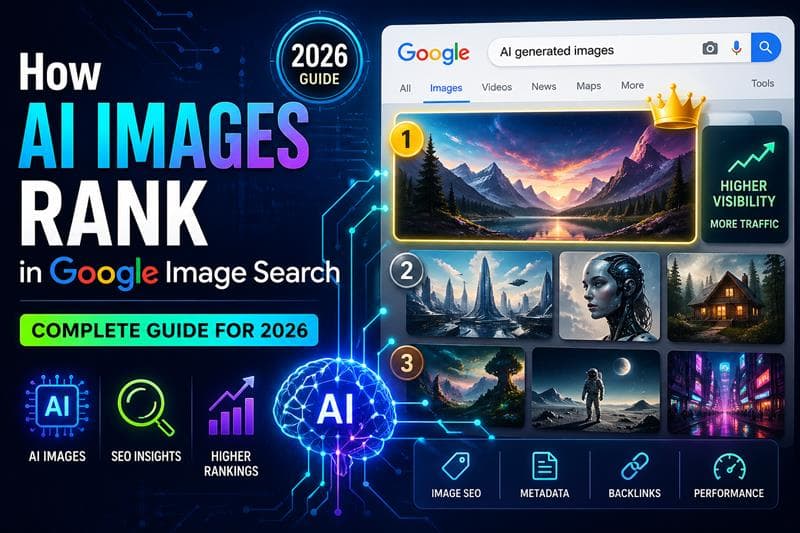
AI-generated visuals are no longer experimental. They are a core part of modern content strategy. Businesses, creators, and marketers are now using AI images to scale content production faster than ever. But one key question remains: do AI images rank in Google Image Search?
The short answer is yes. But ranking depends on how well you optimize them. This guide breaks down exactly how Google evaluates AI-generated images and how you can make yours rank higher, drive clicks, and convert visitors into users for platforms like Genimager.
Do AI Images Rank on Google?
Google does not penalize images simply because they are AI-generated. What matters is quality, relevance, and context.
If your AI images provide value, match search intent, and follow SEO best practices, they can rank just like traditional photos or graphics.
However, low-quality, spammy, or irrelevant AI visuals will struggle to gain visibility.
How Google Ranks Images
To rank AI images effectively, you need to understand the core ranking factors behind Google Image Search:
1. Relevance to Search Query
Google matches images with user queries based on surrounding content, file names, and alt text.
2. Image Quality and Originality
High-resolution, unique images perform better. Generic or duplicated visuals rank lower.
3. Page Authority
Images hosted on strong, SEO-optimized pages rank higher than those on weak pages.
4. User Engagement
Clicks, dwell time, and interaction signals influence rankings over time.
5. Metadata Optimization
Alt text, captions, structured data, and file names all contribute to visibility.
How to Optimize AI Images for Google Rankings
1. Use Keyword-Rich File Names
Instead of uploading files like IMG1234.png, rename them with descriptive keywords.
Example:
ai-generated-modern-office-design.png
This helps Google understand what your image represents.
2. Write Strong Alt Text
Alt text is one of the most important ranking signals.
Good alt text example:
“AI-generated modern office interior with minimal design and natural lighting”
Keep it clear, descriptive, and relevant. Avoid keyword stuffing.
3. Surround Images with Contextual Content
Google relies heavily on surrounding text. Your AI image should sit within content that clearly explains it.
For example, if your blog is about “future office design,” your image should match that topic and be placed near relevant headings and paragraphs.
4. Optimize Image Size and Speed
Page speed is a ranking factor. Large, uncompressed images slow down your site.
Use formats like WebP and compress images without losing quality. Faster pages lead to better rankings and higher user engagement.
5. Use Captions Strategically
Captions are often overlooked but highly effective.
A short, keyword-rich caption improves both SEO and user understanding.
6. Add Structured Data
Schema markup helps Google better understand your images.
Use the ImageObject schema to provide details like:
Image title
Description
Author
License
This increases your chances of appearing in rich results.
7. Focus on Originality
Even though AI generates images, you should aim for unique outputs.
Avoid using the same prompts repeatedly. Customize styles, angles, and compositions to stand out in search results.
Common Mistakes to Avoid
Many marketers fail to rank AI images because of these errors:
Uploading images without alt text
Using generic file names
Ignoring page SEO
Overusing low-quality AI visuals
Not matching search intent
Fixing these alone can significantly improve your rankings.
How AI Images Improve SEO Performance
When optimized correctly, AI images can boost your overall SEO strategy:
1. Increased Click-Through Rates
Visual content attracts attention in search results, leading to more clicks.
2. Higher Engagement
Users stay longer on pages with compelling visuals.
3. Scalable Content Creation
AI tools allow you to produce large volumes of images quickly, giving you a competitive edge.
Pro Tips to Outrank Competitors
If you want to go beyond basics, apply these advanced strategies:
Create image clusters around a single topic
Use multiple variations of AI images per page
Optimize for Google Lens and visual search
Build backlinks to image-rich pages
Update older images with improved versions
These tactics help you dominate image search results over time.
Why AI Image SEO Matters for SaaS Growth
For platforms like Genimager, ranking in Google Image Search is not just about traffic. It is about user acquisition.
When users discover high-quality AI visuals, they are more likely to explore the tool behind them. This creates a direct path from search visibility to product adoption.
In a competitive SaaS market, this can significantly reduce customer acquisition costs while increasing organic growth.
Conclusion
AI images absolutely can rank in Google Image Search, but only when optimized properly. Success depends on relevance, quality, and strong SEO fundamentals.
If you treat AI visuals as a strategic asset rather than just decorative content, they can drive meaningful traffic and conversions.
Now is the time to take advantage of this opportunity.