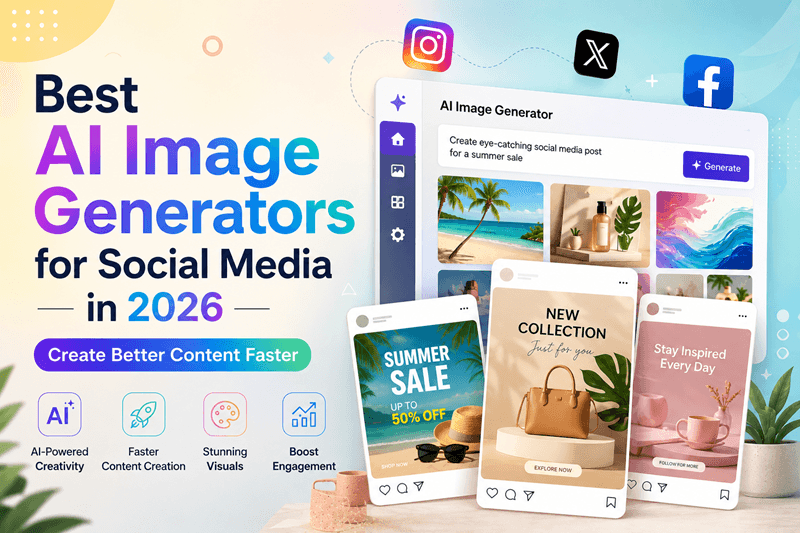
Best AI Image Generators for Social Media in 2026: Create Better Content Faster
Social media content is no longer simply “design it and post it.” Brands need fresh visuals, platform-specific creative, faster testing, and enough content to stay visible. That is why AI design tools have become part of the modern marketing stack. Two popular options are Genimager and Canva AI. Both help turn ideas into visual content, but they support different workflows. So, which is better for social media content? It depends on whether you need an AI-first image creation workflow or an all-in-one design platform.
Social media content is no longer simply “design it and post it.” Brands need fresh visuals, platform-specific creative, faster testing, and enough content to stay visible. That is why AI design tools have become part of the modern marketing stack.
Two popular options are Genimager and Canva AI. Both help turn ideas into visual content, but they support different workflows.
So, which is better for social media content? It depends on whether you need an AI-first image creation workflow or an all-in-one design platform.
Quick Verdict
Choose Genimager if your priority is generating original AI visuals quickly from prompts and creating multiple creative concepts.
Choose Canva AI if you want AI features combined with templates, editing, layouts, presentations, video, and a broader design ecosystem.
What Is Genimager?
Genimager is an AI image generation platform that helps users turn text prompts into visual content. For social media teams, this means moving from an idea to a usable creative without starting with a blank canvas.
It can support promotional graphics, product visuals, campaign concepts, lifestyle imagery, social posts, and other marketing assets. The key advantage is focus: instead of searching through stock libraries or manually building every visual element, you can describe what you want and generate an original image.
What Is Canva AI?
Canva AI brings artificial intelligence into Canva’s broader visual communication platform. Its Magic Media can generate images and short videos from prompts, while Canva also provides editing, templates, animation, and other design capabilities.
Canva’s AI social media post generator can also help create platform-specific social copy, including LinkedIn updates, Instagram captions, and TikTok hooks.
That makes Canva AI useful when your workflow is not only “generate an image,” but “generate, edit, add text, arrange, animate, and publish.”
Genimager vs Canva AI: Feature Comparison
1. AI Image Generation
Genimager: Strong choice for prompt-based image creation and original visual concepts.
Canva AI: Strong AI generation, with the advantage of placing generated assets directly into Canva designs.
Winner: Genimager for an AI-first image workflow. Canva AI for an AI-plus-design workflow.
2. Templates and Editing
This is where Canva has a major advantage. Its ecosystem is built around templates and visual editing, making it easy to turn generated assets into complete social posts.
Genimager is better suited to creating the visual asset itself, while Canva is stronger when you need extensive post-generation design control.
Winner: Canva AI.
3. Creative Flexibility
If you want a visual that does not already exist, AI image generation can be more flexible than choosing from a fixed template.
Genimager is useful for custom concepts based on a detailed prompt, campaign theme, audience, or product idea. Canva AI is also flexible, but its biggest strength is combining AI with a large design toolkit.
Winner: Depends on your workflow.
4. Speed for Social Media Teams
Genimager offers a streamlined path from prompt to visual, while Canva can be faster when the final asset requires several editing steps in one platform.
Winner: Genimager for image creation. Canva AI for complete design production.
Which Tool Is Better for Instagram?
Both can work well for Instagram, but the better choice depends on your goal.
Genimager is useful when you need original visuals for posts, stories, product promotions, campaigns, or creative experiments.
Canva AI is useful when you need to turn those ideas into polished posts, carousels, stories, or branded layouts.
If your goal is “create an image that stands out,” lean toward Genimager.
If your goal is “build the entire Instagram post,” Canva AI may be more practical.
Which Tool Is Better for Small Businesses?
Small businesses often need to create more content with fewer resources.
Genimager can help founders and marketers generate custom visuals without depending heavily on stock photography. This is useful for businesses that need fresh creative concepts for ads, social posts, product campaigns, and content marketing.
Canva AI can be valuable for teams that also need presentations, documents, video, templates, and other branded materials.
Genimager vs Canva AI: Which One Should You Choose?
Use this simple decision framework.
Choose Genimager if you:
Need original AI-generated images
Create social visuals frequently
Want to test multiple concepts
Need custom visuals instead of generic stock images
Prefer an AI-first image creation workflow
Choose Canva AI if you:
Need templates and extensive editing
Create complete social media designs
Work with presentations, documents, and video
Want AI generation inside a broader design platform
Prefer an all-in-one visual content workflow
The Smarter Social Media Workflow
A practical AI social media content workflow looks like this:
Start with the campaign goal.
Write a clear visual prompt.
Generate several concepts with Genimager.
Select the strongest visual.
Add platform-specific copy and branding.
Test creative variations.
Track clicks, saves, shares, and conversions.
This turns AI-generated visual content into a repeatable marketing process rather than simply a design shortcut.
Conclusion
So, Genimager vs Canva AI: which tool is better for social media content?
If your priority is fast, original AI image generation, Genimager is the more focused choice. If you need a complete design environment with templates, editing, AI generation, and broader content creation features, Canva AI is hard to overlook.
For businesses focused on scaling unique visual content, the opportunity is simple: generate more ideas, test more creatives, and spend less time starting from scratch.